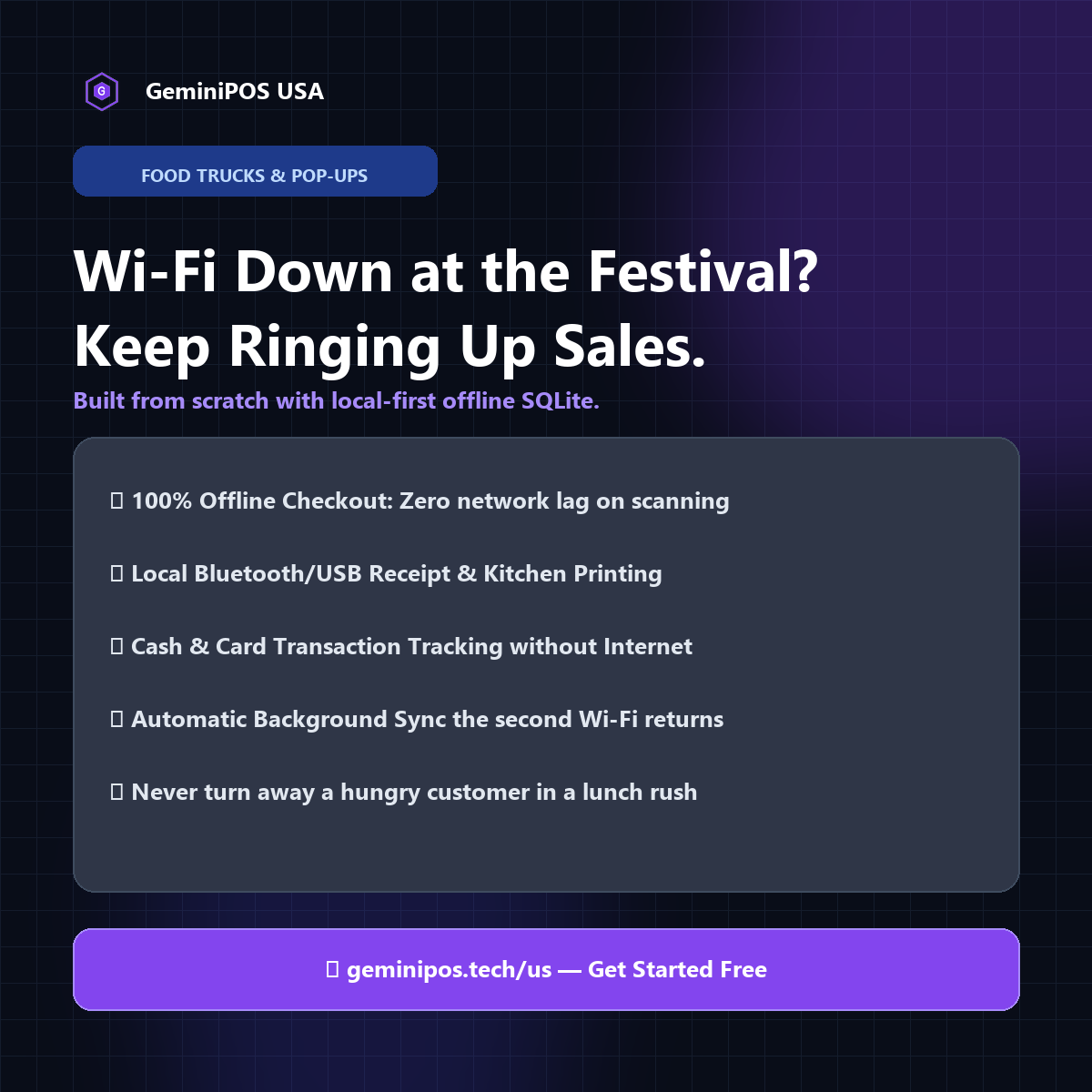
Picture this: It's Saturday at 12:30 PM. You're parked at a major downtown food festival, brewery courtyard, or farmer's market. There is a line of 35 hungry customers wrapping around your truck, eager for smash burgers, artisan tacos, or cold brews.
Then the inevitable happens: thousands of festival attendees simultaneously pull out their phones to post videos, browse social media, and call friends. The nearest cell tower becomes congested.
Inside your truck—surrounded by stainless steel and aluminum walls that naturally weaken wireless signals—your cellular hotspot signal drops to a crawling halt.
Suddenly, your point-of-sale screen freezes. You tap the screen, but nothing happens except a spinning loading circle:
> *"Connecting to server..."*
> *"Authorizing transaction..."*
> *"Network timeout. Please retry."*
Your cashier stands helplessly. Tickets stop printing. Orders pile up in your head instead of the kitchen display. Frustrated customers start walking away to the vendor next door.
In less than 45 minutes of prime lunch rush, a cloud-dependent checkout can cost hundreds of dollars in lost direct sales — any time a point-of-sale system can't complete a sale without an active internet connection.
---
Three Things Mobile Vendors Should Check Before Choosing a Cloud POS
For years, platforms like Toast, Square, and Clover have dominated the US restaurant and retail space with strong marketing. But mobile food trucks, coffee trailers, and pop-up vendors operating with inconsistent connectivity should ask a few pointed questions before signing up with any cloud POS vendor.
Question #1: What exactly happens if you can't get online?
Every cloud POS vendor describes its offline mode differently, and the details matter:
- Is there a time limit on stored offline transactions? Ask the vendor directly how long an offline sale can sit before it needs to sync, and what happens to it if that window passes without a connection.
- Who bears the risk if an offline card payment is later declined? Confirm, in writing, who absorbs the loss if a card accepted offline turns out to be invalid once the device reconnects.
- What happens to secondary terminals if the main connection drops? Ask whether other registers can keep taking orders independently, or whether they depend on a live link to a primary terminal or router.
None of these answers should be assumed — check the vendor's own support documentation or ask their sales team directly, since offline-mode behavior changes between plans and over time.
---
Question #2: What hardware are you actually required to buy?
Before signing a contract with any restaurant POS provider, clarify:
- Required hardware: Does the plan require purchasing or leasing the vendor's own branded terminals, and at what current price? Ask for an itemized quote rather than relying on marketing pages.
- Portability of that hardware: If you switch software providers later, can the hardware be reused, or is it tied permanently to that vendor's platform?
- Repair and replacement logistics: If a screen is damaged on the road, how quickly can it be replaced, and through what channel?
---
Question #3: What does the contract cost when business is slow?
Food trucks and pop-up businesses across northern states, coastal beach towns, and mountain regions are often seasonal, running at full throttle for part of the year and scaling back in the off-season.
Ask any vendor directly: does the monthly software subscription continue to bill during an off-season when the truck is parked and not operating? Confirm whether there is a way to pause billing, and what it costs to keep menu and customer data accessible while inactive.
---
An Offline-First Alternative: Hardware Freedom & In-Device Speed
A number of American mobile food vendors, indie roasters, and festival merchants are evaluating modern offline-first point of sale software like GeminiPOS USA as an alternative to traditional cloud POS.
Here is how an in-device POS architecture changes the picture for mobile operators:
1. Local-First Counter Speed
Instead of relying on distant cloud servers for every button press, offline-first software runs its ordering engine directly inside the tablet's local memory.
- You tap an item: it adds instantly.
- You customize toppings or sauces: no round-trip to a server.
- You print a kitchen ticket or fire an order: it sends immediately to the local printer.
Even operating deep in a national park, inside a steel convention center basement, or at a remote fairground with little or no cell service, a local-first checkout keeps working.
2. Automatic Background Cloud Backup
The moment a tablet detects a working Wi-Fi network, mobile hotspot, or home connection, shift summaries, cash totals, card records, and inventory adjustments can sync automatically to a web portal in the background — no manual file exports needed.
3. Bring Your Own Android Hardware (BYOD)
GeminiPOS runs on commodity Android hardware rather than a proprietary terminal:
- Run on any standard Android tablet (Samsung Galaxy Tab, Lenovo, etc.) or existing Android mobile phone.
- Connect to standard ESC/POS Bluetooth, USB, or wireless receipt printers and standard cash drawers.
- If a tablet is damaged, it can typically be replaced with an off-the-shelf device from a local retailer, since the software isn't tied to a specific branded unit.
4. Direct Stripe Card Processing & Tap to Pay
Merchants who prefer a direct relationship with their payment processor can connect their point of sale directly to their own Stripe account:
- Receive merchant deposits directly into your own business bank account.
- Accept contactless cards, Apple Pay, and Google Pay using Tap to Pay on Android directly on a compatible tablet or phone.
- Stripe's own processing rates apply directly, with no separate GeminiPOS transaction markup.
---
Comparing the Models: What to Check for Each Vendor
Rather than quote figures that change frequently and vary by plan, region, and negotiated terms, compare any two POS vendors on these same dimensions using their own current pricing pages:
What to check · Why it matters
Upfront hardware cost · Proprietary terminals and BYOD tablets are priced very differently — get an itemized current quote from each vendor.
Monthly software fee · GeminiPOS offers a free Starter plan for a single register, plus flat monthly Growth and Pro plans for multi-store/multi-register operations (see geminipos.tech/pricing for current details). Confirm other vendors' current per-terminal pricing directly with them.
Payment processing rate · Ask each vendor for their current in-person and online processing rates, and whether you can route payments through your own processor.
Offline-mode behavior · Ask each vendor directly how offline transactions are stored, for how long, and who bears risk on a later-declined card.
> *Want to estimate your own costs based on your actual register count and monthly sales? Try the Fee Savings Calculator on our US Merchant Page.*
---
3 Steps to Test an Offline-First Setup for Your Food Truck
Switching your point of sale doesn't require shutting down your business or taking risks. Here is how smart vendors test the waters:
- Test Free on Any Existing Android Device: Download the app from the Google Play Store or visit the GeminiPOS USA Merchant Portal. Set up your menu categories, items, and tax rates in minutes on the free Starter plan.
- Run a Test Shift in Airplane Mode: Put your tablet into Airplane Mode and ring up a dozen sample orders. Check how the screen responds and how ticket printing behaves regardless of connection status.
- Connect Your Stripe Account: Enable Tap to Pay or connect a Bluetooth card reader to start accepting live card payments with automated cloud reconciliation once you're back online.
---
Final Thoughts: Know the Full Cost Before You Sign
Your food truck represents your culinary passion, long hours of prep, and hard-earned sweat. Before committing to any POS vendor — including GeminiPOS — get a clear, current, written answer on hardware cost, monthly fees, processing rates, and offline behavior, rather than relying on marketing claims from either side.
Ready to see how GeminiPOS compares for your setup?