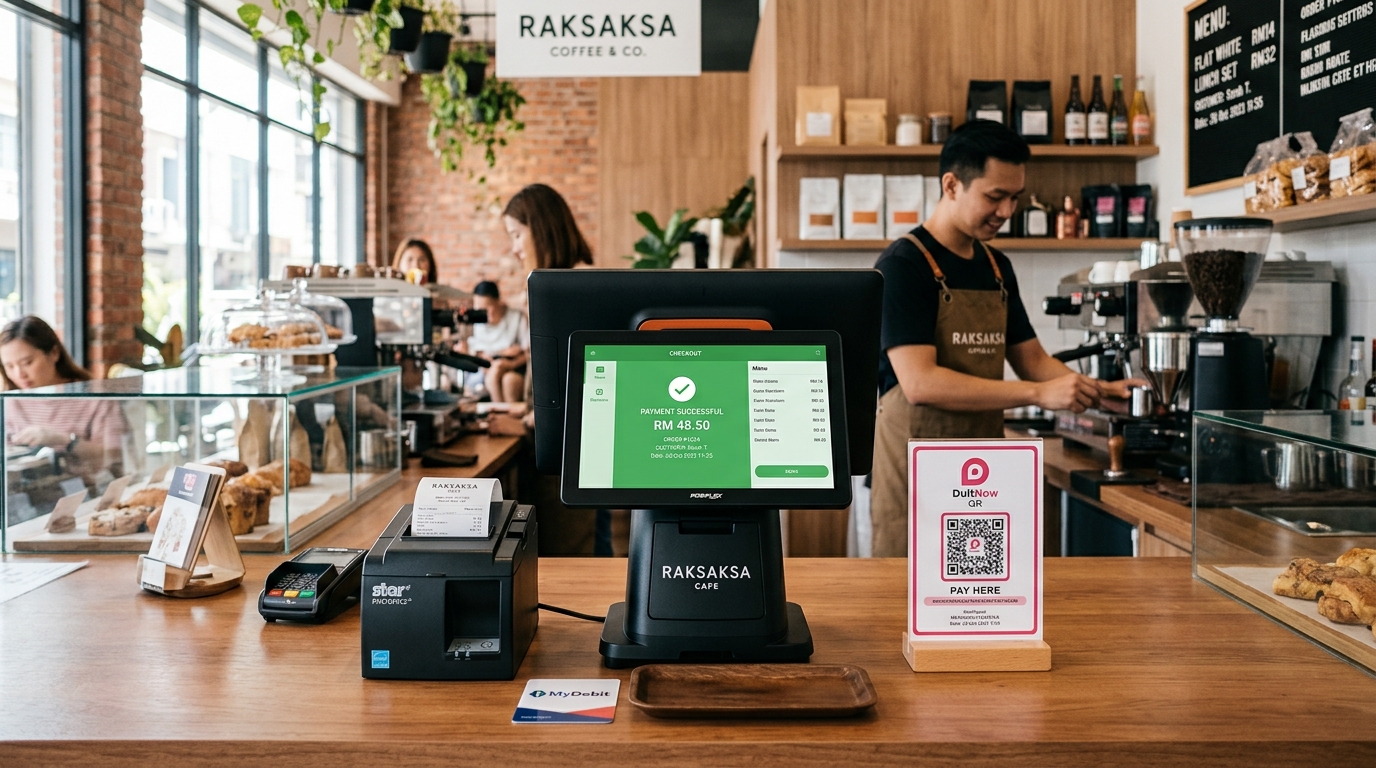
Every retail shopkeeper, specialty cafe owner, and independent restaurateur across the globe knows the rush-hour nightmare: it is Friday night, hungry customers are queuing past the door, and suddenly the POS terminal freezes with a spinning circle, tickets stop printing, and the whole checkout line grinds to a halt.
These are common, widely-discussed pain points among small business owners — frustration with internet-dependent checkout, rising subscription costs, hardware restrictions, and disconnected online/offline inventory come up often in merchant forums and small-business communities. Below is an honest breakdown of 5 POS system problems merchants commonly report, and how GeminiPOS approaches each one.
---
1. Problem #1: Checkout Freezes When Store Wi-Fi or Internet Drops
A Common Scenario:
Many restaurant and retail owners describe the same situation: broadband or Wi-Fi drops during a busy period, and the register stalls mid-transaction — card authorizations hang, kitchen tickets don't fire, and the line backs up while staff fall back to pen and paper.
Many modern POS platforms are architected primarily as connected, cloud-dependent systems: everyday steps like barcode lookups, modifier selection, and ticket printing can depend on a live connection to a remote server, to varying degrees depending on the vendor and plan. Some vendors (for example Lightspeed Retail) publish offline-related features, but we were not able to confirm the specific offline behavior of every named competitor from their current public pages, so we don't make claims here about any one vendor's offline reliability — check this directly with any vendor you're evaluating.
How GeminiPOS Approaches It: Local-First Checkout
GeminiPOS is built around a local-first design:
- Data Lives on the Device: Product catalogs, prices, and orders are stored directly on the Android phone or register hardware running GeminiPOS. Scans and ring-ups are processed locally.
- Full Offline Checkout: Ring up sales, adjust order quantities, print kitchen tickets, and hand out printed receipts even with no internet connection — this is a Starter-plan (free) capability available on every plan.
- Automatic Background Sync: When connectivity returns, sales records sync to the cloud dashboard (available on the Growth and Pro plans) in the background.
---
2. Problem #2: Subscription Creep, Hidden Surcharges & Per-Terminal Fees
A Common Scenario:
Business owners frequently describe starting on an entry-level plan, then seeing costs climb as they add registers, locations, or features over time — a familiar complaint across small-business communities regardless of which vendor they use.
Monthly software subscription pricing varies widely by vendor, plan tier, and register/location count. As one example we verified directly: Lightspeed Retail (X-Series) lists Basic at $89/month, Core at $149/month, and Plus at $289/month, before any extra-register or extra-location add-ons (official Lightspeed pricing page, October 2026). Shopify POS's published Malaysia pricing lists an additional per-location charge for its POS Pro tier on top of the base plan (official Shopify pricing page, October 2026) — we could not confirm a flat USD-denominated per-location fee, so we don't restate one here. Pricing structures differ enough between vendors that it's worth checking each provider's current official pricing page rather than relying on a rule of thumb.
How GeminiPOS Approaches It: A Free Core Tier
GeminiPOS's Starter plan is free forever — not a trial:
- Free Core Checkout, No Subscription: The Starter plan (1 register, 1 store) includes full offline checkout, receipt and kitchen ticket printing, unlimited products, ESC/POS printer/scale/scanner support, and shift + Z-report — at no monthly cost.
- Paid Tiers Only When You Need Them: Cloud sync across up to 10 devices and 2 stores, marketplace sync, accounting, online store, and e-Invoice start on the Growth plan (RM30/month or RM288/year); Pro (RM60/month or RM576/year) adds more stores/registers, HR, and AI features. Both paid plans include a 14-day free trial.
- Add Extra Checkout Lanes Cheaply: Within your plan's device limits, add an extra cashier terminal by installing GeminiPOS on another Android device and linking it — no separate per-terminal software license.
---
3. Problem #3: Hardware Restrictions & Fragile Consumer Tablets in Hot Kitchens
A Common Scenario:
A frequent complaint in F&B communities: POS hardware mounted near a grill or fryer overheats or shuts down during a dinner rush, and the vendor's printer is locked to a specific proprietary model that costs far more than a generic thermal printer.
Some POS vendors build their software around specific hardware (commonly consumer tablets), which can mean limited choice of printer or terminal brand. We were not able to verify overheating or printer-lock-in behavior for any specific named vendor from their official sites, so we present this as a general hardware-choice consideration rather than a claim about any one company — ask a vendor directly what hardware their software supports before buying.
How GeminiPOS Approaches It: Open Hardware Support
GeminiPOS is designed for hardware flexibility:
- Runs on Android Devices You Already Own: Deploy GeminiPOS on an existing Android phone, budget commercial Android tablet, or iMin/Sunmi terminal.
- Standard Receipt Printer Support: Native support for standard ESC/POS 58mm or 80mm thermal receipt printers via Bluetooth, USB, or Ethernet LAN.
- Commercial Android Hardware: iMin/Sunmi terminals are built for continuous commercial use, including kitchen environments, though actual heat tolerance varies by specific device model and should be checked with the hardware maker.
---
4. Problem #4: In-Store Inventory Sells Out While Online Stores Keep Selling
A Common Scenario:
A common complaint among multi-channel retailers: an item sells out in the physical store, but staff don't update the online storefront in time, so an online customer buys the same (now out-of-stock) item — leading to a cancelled order and a marketplace penalty.
Modern retailers sell across physical registers simultaneously with TikTok Shop, Shopify, Amazon, and WooCommerce. A POS that doesn't share live stock with these channels forces manual, error-prone stock reconciliation.
How GeminiPOS Solves It: Connected Inventory Across Channels
GeminiPOS connects your physical checkout counter directly with your online channels (Growth plan and above):
- One Shared Live Stock: When an item is scanned and checked out at the physical register, stock counts across connected e-commerce channels (Shopify, WooCommerce, Shopee, Lazada, TikTok Shop) update automatically.
- Reduce Overselling Risk: Fewer duplicate sales means fewer order cancellations and marketplace penalty marks.
- Net Margin Visibility: Platform commission deductions and payment charges are tracked so you can see your take-home margins.
---
5. Problem #5: Payment Processing Costs & Card Reader Fees
A Common Scenario:
Some merchants describe feeling tied to a single payment processor bundled with their POS software, with limited ability to switch providers or compare processing rates without also replacing their register software.
Payment processing structures vary by provider and region — some charge flat monthly terminal rental, others charge per-transaction rates, and switching costs depend on how tightly the POS and payment processor are bundled. Check any vendor's current rate card directly rather than relying on a general figure, since these change often and vary by card type and region.
How GeminiPOS Approaches It: Flexible Payment Options
GeminiPOS doesn't lock you into a single payment processor:
- Multiple Payment Choices: Accept cash, split payments, customer store credit, bank/QR payments, and supported payment gateways such as Stripe.
- Tap to Pay on Android: Turn a supported NFC-enabled Android phone into a contactless card reader without buying extra hardware, where supported by your payment provider.
- Daily Accounting Visibility: Processing deductions are shown on daily shift summaries.
---
Comparison Table: Typical Cloud POS Patterns vs GeminiPOS
Common Retail Consideration · Typical Cloud POS Pattern (varies by vendor — check official pricing/docs) · GeminiPOS
When Internet Cuts Out · Varies by vendor; many require connectivity for some steps · 🟢 Full offline checkout on every plan, including the free Starter plan
Monthly Software Fees · Vendor and plan dependent — e.g., Lightspeed Retail from $89–$289/mo (official pricing, Oct 2026) · 🟢 Starter: $0/month. Paid tiers from RM30/month (~2 stores, cloud sync, marketplace sync, e-Invoice)
Hardware Choices · Varies by vendor; some are tied to specific tablet/terminal brands · 🟢 Any Android phone, tablet, iMin, or Sunmi device
Receipt Printer Support · Varies by vendor; check compatibility before buying · 🟢 Standard ESC/POS 58mm/80mm thermal printers
E-Commerce Stock Sync · Varies by vendor and plan · 🟢 Shared live stock across connected channels (Growth plan and above)
Payment Options · Varies by vendor and region · 🟢 Cash, QR/bank payments, Stripe, and Tap to Pay on supported Android devices
---
3 Simple Steps to Switch to GeminiPOS Without Business Downtime
- Step 1: Export Your Product Catalog
Download your product inventory, barcodes, and prices from your current POS dashboard in CSV or Excel format.
- Step 2: Install GeminiPOS on Any Android Phone or Tablet
Download the GeminiPOS application directly from the Google Play Store onto your Android device.
- Step 3: Connect Your Standard Receipt Printer & Start Selling
Pair any Bluetooth, USB, or network receipt printer, configure your payment preferences, and your checkout counter is ready in under 15 minutes!
---
Frequently Asked Questions (FAQ)
#### Can GeminiPOS really operate if our store loses internet for days?
Yes. GeminiPOS stores your active product catalog and transactions directly on your register hardware. Cashiers can scan barcodes, print receipts, and accept cash or QR payments with zero internet connection — this works on the free Starter plan. When connectivity returns, sales records sync to the cloud dashboard (Growth/Pro plans).
#### Can I use standard budget thermal printers bought online?
Yes. GeminiPOS supports standard ESC/POS 58mm or 80mm thermal receipt printers via Bluetooth, USB, or Ethernet LAN.
#### How does GeminiPOS prevent overselling between in-store and online channels?
On the Growth plan and above, GeminiPOS shares one live inventory pool. The moment a cashier scans an item in-store, available quantities on connected online storefronts (Shopify, WooCommerce, TikTok Shop, etc.) update automatically.
#### Is GeminiPOS really free?
The Starter plan (1 register, 1 store, full offline checkout, printing, unlimited products) is free forever. Cloud sync, marketplace sync, accounting, online store and e-Invoice require the Growth plan (RM30/month or RM288/year) or Pro (RM60/month or RM576/year), both with a 14-day free trial.
---
Conclusion: Pick the POS That Fits How You Actually Sell
Your point-of-sale system should speed up customer checkouts and protect your margins — not freeze during weekend rushes or surprise you with monthly fees that creep upward.
By combining reliable offline checkout on every plan, freedom to use affordable Android hardware, optional live stock sync, and a genuinely free entry tier, GeminiPOS aims to offer a simpler, more transparent way to run your business counters.
> 🚀 Get Started Free Today: Sign up for free at GeminiPOS and try the Starter plan at no cost.