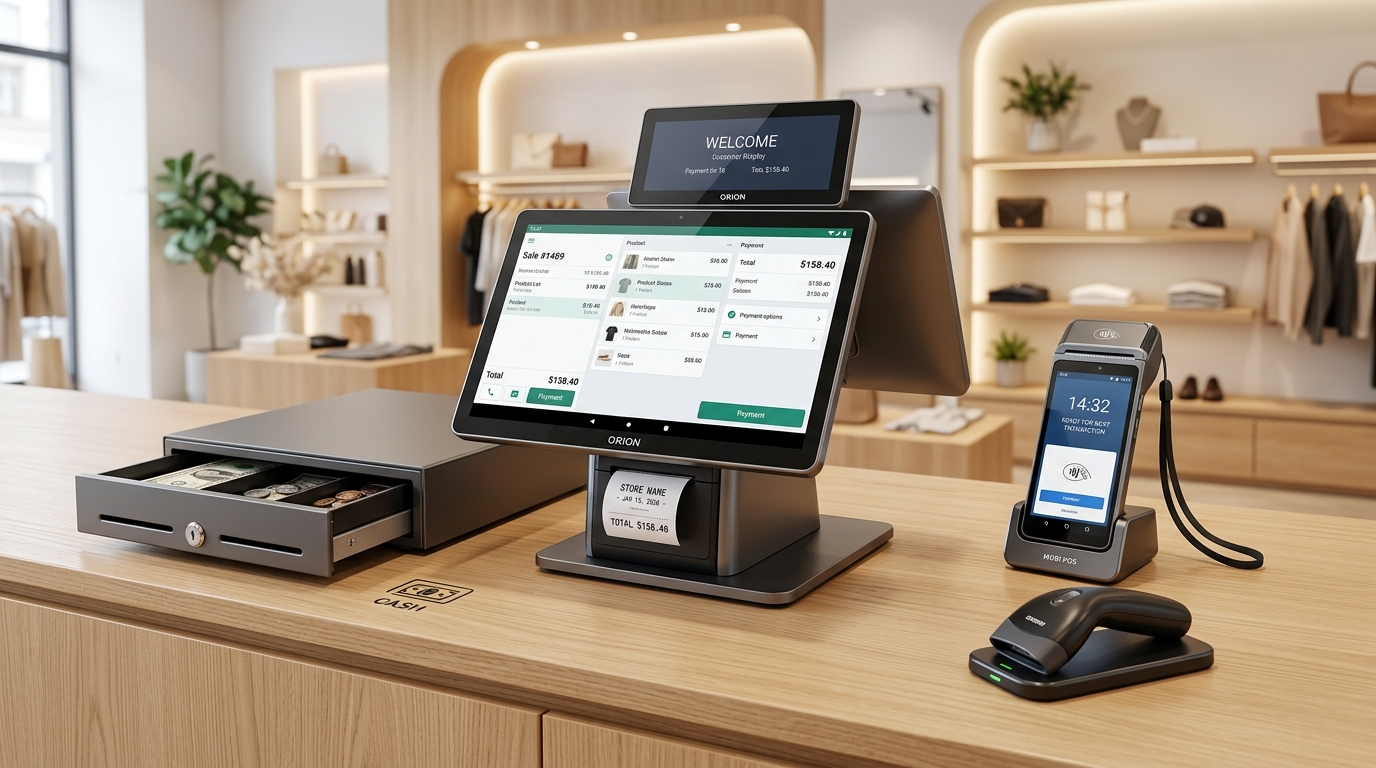
"Putting an iPad on the counter looks chic in boutique cafes... until 18 months in, when the battery bulges, cables fray, and you have spent RM7,500 on adapters and replacements!"
Many modern retailers and restauranteurs default to Apple iPads under the assumption that consumer tablets deliver the best user experience.
However, when assessed through the rigorous lens of Total Cost of Ownership (TCO) across a standard 3-year commercial operating horizon, the iPad proves to be one of the most expensive and fragile choices for high-turnover counters.
Here is an empirical breakdown comparing consumer Apple iPads against Dedicated Commercial Android POS Workstations (such as iMin and Sunmi desktop systems).
---
1. The Dissected Capital Expenditure: iPad vs Android POS
An iPad is merely a display; turning it into a working checkout counter requires a web of third-party peripherals.
Year 1 Hardware Build-Out: The iPad Route
- Apple iPad (10th Gen, 64GB): ~RM1,799
- Heavy-Duty Swivel Stand / Enclosure: ~RM450
- External 80mm ESC/POS Thermal Printer (LAN/Bluetooth): ~RM850
- RJ11 Cash Drawer Interface: ~RM280
- Multi-Port USB-C Charging Dongle & High-Wattage Supply: ~RM220
- TOTAL INITIAL OUTLAY: ~RM3,599 per checkout lane
Dedicated Commercial Android POS (All-in-One):
- Single Integrated Terminal (Display + Built-in Seiko 80mm Auto-Cutter + RJ11 + Dual Screen): ~RM1,650 – RM1,950
- TOTAL INITIAL OUTLAY: ~RM1,850 per checkout lane (Instant ~48% Capex Reduction)
---
2. Operational Reliability: Thermal & Battery Degradation
!3-Year TCO Comparison Curve: iPad Setup vs Commercial Android Terminal
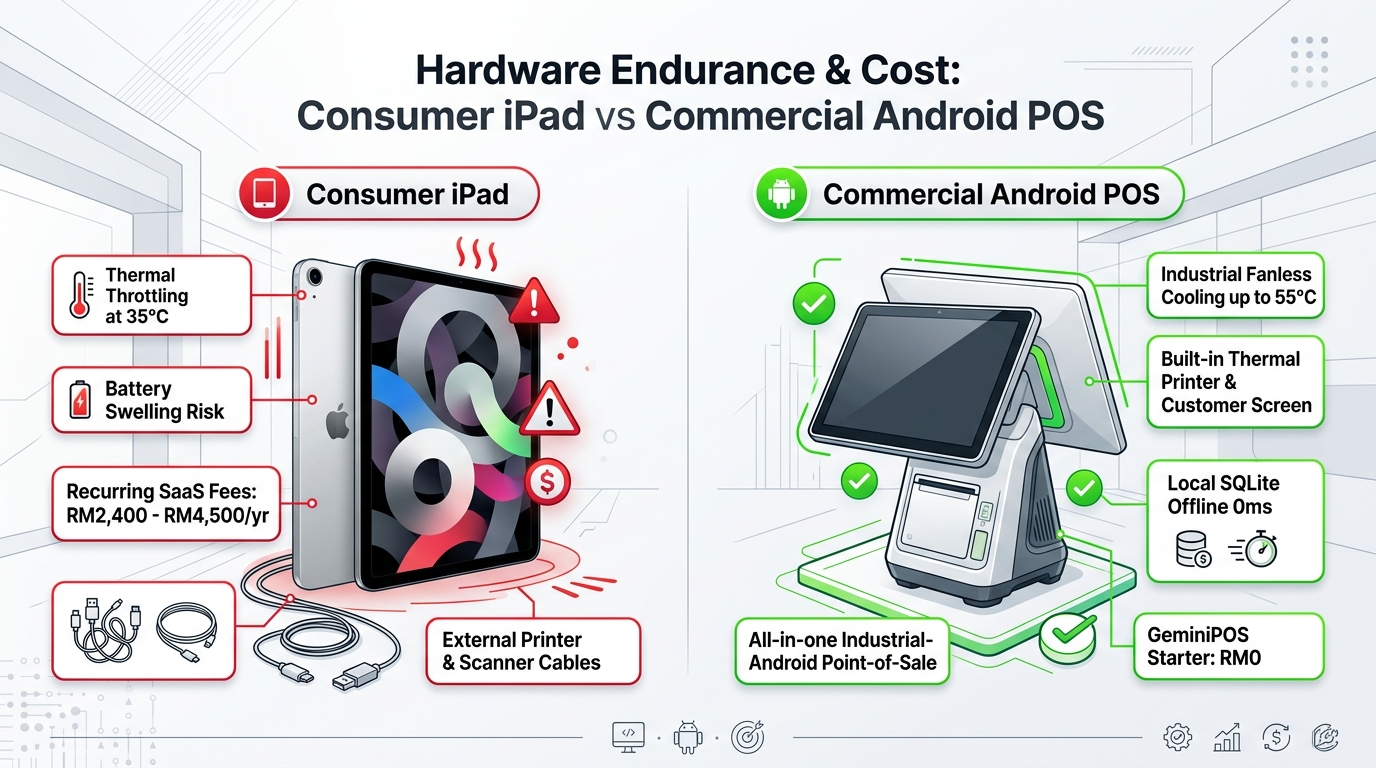
Consumer electronics are fundamentally engineered for intermittent, personal use—not 14 hours of continuous thermal stress in commercial kitchens or humid storefronts:
- Lithium Battery Swelling: iPads kept continuously plugged into 100% charging states suffer accelerated battery expansion. Within 18–24 months, battery bloating commonly exerts pressure on the LCD, causing dead pixels or screen delamination.
- Cable Disconnection Failures: A single loose Lightning or USB-C adapter cable will sever the connection to receipt printers or barcode scanners right in the middle of a rush.
- Fanless AC Commercial Engineering: Commercial Android terminals operate via direct wall power with bypass circuitry, completely eliminating internal battery explosion risks and extending device lifespan to 5+ years.
---
3. Software Freedom and Open Ecosystem
Beyond hardware durability, Android provides unconstrained architectural flexibility:
- Direct USB & Serial Driver Access: Seamlessly interface with precision electronic weighing scales, kitchen display systems, and cash drawers without proprietary Apple MFi licensing fees.
- No App Store Surcharges: GeminiPOS distributes direct, reliable updates on Google Play Store with no artificial feature paywalls.
Choose durable, purpose-built engineering over fragile consumer tech. Download GeminiPOS for free on Google Play Store today!
---
> 💡 Related Guide: Discover the complete feature overview, local-first offline architecture, and multi-outlet workflows of our flagship POS system in Malaysia built for modern retail and F&B businesses.