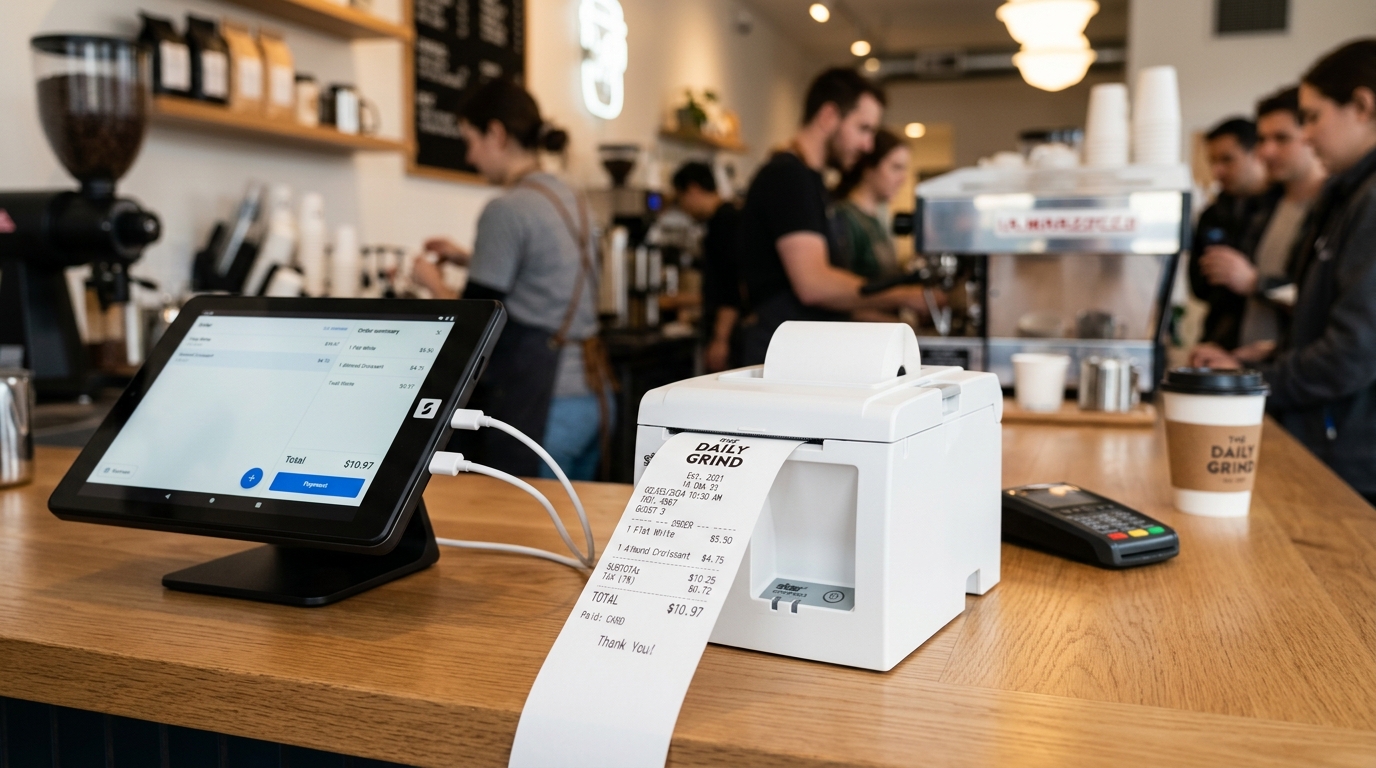
In the high-throughput world of retail and food & beverage operations, the point-of-sale receipt printer is an unsung hero—until it stops working. Few operational failures derail a counter faster than a printer that intermittently freezes, drops connection packets, or refuses to cut paper tickets during a weekend rush.
Store supervisors and IT teams spend significant time troubleshooting peripheral disconnects. The overwhelming majority of these support tickets stem from an architectural mismatch: deploying consumer Bluetooth receipt printers in dense, high-interference commercial environments.
This guide details how to resolve printing bottlenecks and implement bulletproof receipt and kitchen printing architectures.
---
1. The Physics of Bluetooth Disconnections in Commercial Venues
While battery-operated Bluetooth printers are convenient for mobile field sales, they face severe technical limitations in crowded retail spaces:
- 2.4 GHz Spectrum Saturation: Peak commercial hours bring hundreds of patron smartphones, fitness trackers, and Wi-Fi devices into close proximity. The resulting radio frequency (RF) noise floor causes Bluetooth packet drops and transmission retries, leading cashiers to assume the machine is broken.
- Aggressive Firmware Sleep States: Portable printers conserve battery by entering low-power standby modes after brief idle periods. When orders queue up suddenly, handshake latency creates noticeable delays or drops the print queue entirely.
- Exclusive Point-to-Point Topologies: Bluetooth classic generally binds to a single master device. In multi-terminal configurations (such as three servers with handheld ordering tablets), a Bluetooth printer cannot process concurrent inbound jobs.
---
2. Infrastructure Comparison: Bluetooth vs. Network Ethernet (LAN)
High-volume operations demand infrastructure tailored to transaction frequency:
!POS Receipt Printer Connectivity Comparison: Bluetooth vs Network Routing
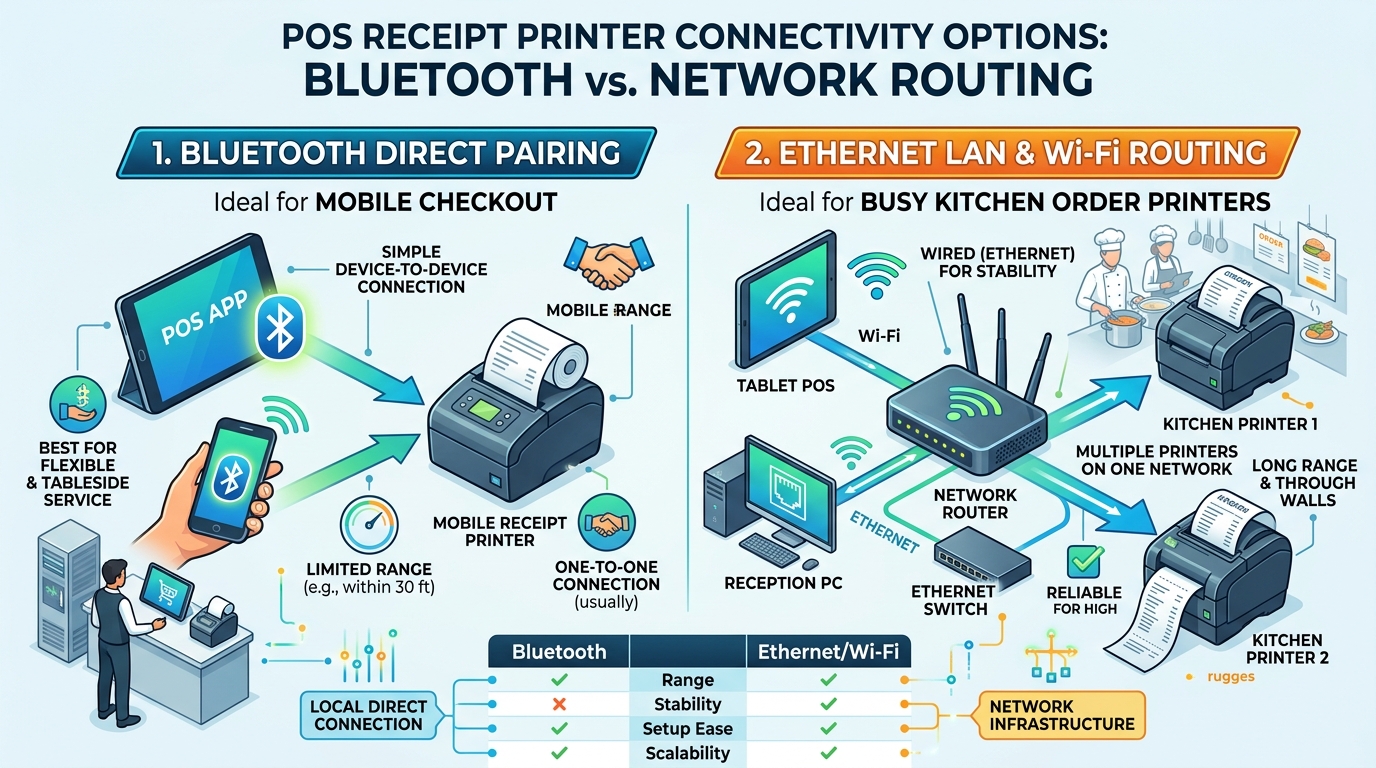
Performance Dimension · Bluetooth Mobile Printer · Ethernet LAN / Wi-Fi Network Printer
Operational Setting · Pop-up markets, sidewalk kiosks, delivery vans · Busy retail counters, full-service dining, kitchen lines
Signal Integrity · Vulnerable to RF interference & wall attenuation · 100% Reliable over shielded CAT5e/CAT6 cabling
Multi-Terminal Support · Dedicated single-device pairing · Unlimited network endpoints (Terminals, Tablets, Kiosks)
Throughput Speed · ~60 – 90 mm/sec · ~250 – 300 mm/sec with heavy-duty auto-cutter
Paper Standard · 58mm (Narrow text, small rolls) · 80mm (Wide layout, crisp barcodes, branded headers)
---
3. The 3-Step Rapid Diagnostic Flowchart
When a receipt printer halts during live service, follow this systematic diagnosis:
- The Cold Self-Test Feed: Power the unit OFF. Depress and hold the *FEED* button while powering the unit ON. Hold *FEED* for three seconds, then release. If the unit outputs a complete configuration report with solid black contrast, the internal thermal line head and drive motor are functional—the issue lies entirely in communication or software drivers.
- Inverted Thermal Roll Check: Thermal paper uses a heat-activated chemical coating on only one side. If the feed motor runs smoothly but produces entirely blank white slips, the roll was inserted upside-down.
- Head Contamination Maintenance: White vertical streaks or patchy line-art indicate thermal residue or paper debris on the heating array. Clean the line-head gently with an isopropyl alcohol wipe while powered off.
---
4. How GeminiPOS Ensures Flawless Print Execution
GeminiPOS was built from the ground up to solve real-world retail hardware frustrations:
- Monochrome Bitmap Architecture: Unlike legacy POS systems that transmit raw text strings subject to printer internal font tables, GeminiPOS renders receipts into high-resolution monochrome bitmaps. Typography prints with razor sharpness, regardless of regional language scripts or custom logos.
- Automated Network Order Routing: Transmit bar tickets to drinks printers and food tickets to kitchen lines via Ethernet IP routing with audible warning chimes.
- Native Android Hardware Integration: Seamless out-of-the-box driver integration with commercial Android POS terminals (iMin, Sunmi) equipped with built-in high-speed Japanese thermal mechanisms.
---
5. Summary & Action Plan
For micro-merchants and mobile pop-ups, 58mm Bluetooth printers offer an accessible starting point. But for established restaurants, bars, and retail checkouts, investing in 80mm Ethernet LAN thermal printers delivers the bulletproof speed and reliability your staff and customers deserve.
> Struggling with dropped print tickets or slow checkout queues?
> Explore how GeminiPOS manages high-speed receipt and kitchen printing.
> Contact Technical Sales or review our Software Pricing Plans.