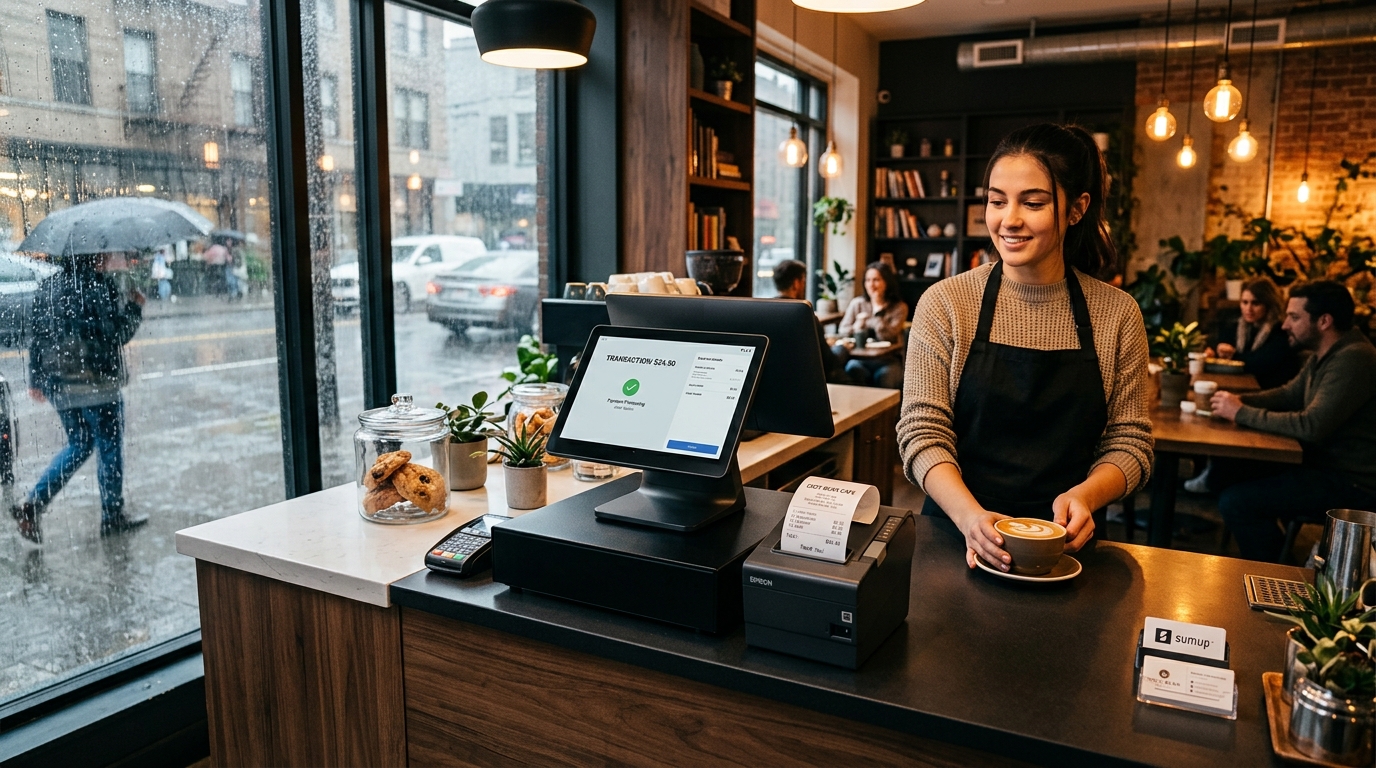
Every Malaysian retailer and restaurant operator knows the dreaded scenario: it is 1:00 PM during the lunch rush or 8:30 PM on a Saturday night. A sudden tropical thunderstorm hits, the shop's fiber Wi-Fi drops, and mobile cellular data slows to a crawl.
With a conventional, cloud-dependent POS system, your checkout screen freezes. The loading spinner spins endlessly, barcode scans fail to resolve, and your cashiers are left apologizing to an increasingly frustrated queue of customers.
This counter vulnerability is why modern Malaysian businesses are adopting Offline-First Cloud POS architecture.
> GeminiPOS is built for offline-ready counter continuity. Account sign-in, multi-store cloud synchronization, system updates, and certain hosted payment methods still require active internet.
Watch: GeminiPOS keeps selling when the Wi-Fi drops.
GeminiPOS: the offline POS that keeps selling when the Wi-Fi drops
Why 'Cloud-Only' Fails Malaysian Retail Counters
Many modern POS solutions were built purely for stable, fiber-connected office environments. Every action—adding an item to cart, calculating tax, checking price variants—requires a roundtrip request to a remote server.
When internet connectivity drops or suffers from packet loss:
- Queues stall, causing lost sales and negative customer reviews.
- Cashiers are forced to write down manual paper receipts.
- End-of-day stock figures and cash drawer totals become severely mismatched.
How an Offline-Ready POS Works
An offline-ready POS inverts this dependency. Instead of querying a cloud server for every scan, GeminiPOS operates directly against a local SQLite database embedded on the Android terminal (powered by PowerSync).
- Instant Product Resolution: Thousands of SKUs and barcodes resolve locally in milliseconds.
- Hardware Integration Stays Active: Bluetooth and USB thermal receipt printers (ESC/POS) continue printing receipts directly.
- RJ11 Cash Drawers Open Normally: Cash transactions continue without missing a beat.
- Local Audit Logs: Every sale is cryptographically logged on the device with precise timestamps.
Clear Operational Boundaries: What Works Offline vs Online
Transparency matters when operating a retail counter. Staff should always know what capabilities require internet connectivity:
Operation · Offline Mode · Connected Mode
Barcode scanning & cart calculation · Fully operational locally · Fully operational
Cash payments & receipt printing · Fully operational · Fully operational
Local shift reporting & cash drawer kick · Fully operational · Fully operational
Dynamic DuitNow QR & online card checkout · Requires connection · Fully operational
Background cloud inventory sync · Queued locally · Automatic synchronization
Account onboarding & remote catalog edits · Requires connection · Fully operational
What Happens When Connectivity Restores?
The moment your Wi-Fi or 4G connection returns, GeminiPOS automatically synchronizes all queued offline sales to your cloud back-office:
- Sales records are securely ingested into the centralized Supabase database.
- Central inventory deductions are calculated across your catalog.
- Daily sales reports on the MyStore dashboard update automatically without staff re-keying data.
- Full audit transparency is preserved, distinguishing between offline-recorded sales and live online checkouts.
Checklist: Evaluating POS Reliability in Malaysia
When comparing point-of-sale software for your Malaysian outlet, verify these criteria:
- Demonstrated Offline Capability: Does the system continue scanning and printing receipts with the internet physically unplugged?
- Android Hardware Compatibility: Does it run smoothly on accessible Android POS terminals (Sunmi, iMin) as well as consumer tablets?
- Automatic Background Sync: Does synchronization happen autonomously without manual export/import spreadsheets?
- LHDN e-Invoice Readiness: Can transactions captured offline queue up safely for e-Invoice validation once reconnected?
Explore GeminiPOS offline POS features, read our guide to POS systems in Malaysia, and view transparent RM pricing.