*Reviewed against official LHDN and PayNet pages on 17 August 2026; e-Invoice thresholds updated 3 November 2026. This article is general information, not tax advice. Always confirm your business's current obligations with LHDN or a qualified adviser.*
Malaysia e-Invoice is no longer only an accounting project. For many retailers, restaurants, cafés and service businesses, the POS is where the sale starts, customer data is captured, payment is recorded and inventory changes.
That means the right question is not simply, “Does this POS have an e-Invoice button?”
The better question is:
> Can this POS keep the sale, customer details, payment status, inventory movement and e-Invoice workflow connected—even when the internet is unreliable?
This checklist covers the seven checks Malaysian businesses should make before choosing an e-Invoice-ready POS system.
What is changing for Malaysian businesses?
The Inland Revenue Board of Malaysia (LHDN) publishes a phased e-Invoice implementation timeline based on annual turnover or revenue. The current timeline includes businesses with annual turnover up to RM5 million from 1 January 2026, while businesses with turnover below RM3 million are exempt (LHDN timeline updated 30 August 2026). Businesses up to RM5 million also have an interim relaxation period until 31 December 2027, during which a monthly consolidated e-Invoice is accepted for all transactions. Our e-Invoice guide explains the rules in full. Check the latest LHDN implementation timeline before making a compliance decision.
LHDN's official guidelines page lists the current e-Invoice Guideline and Specific Guideline releases. Since requirements and concessions can change, use the latest LHDN guidelines as your source of truth.
LHDN also provides MyInvois e-POS, a digital POS platform for micro, small and medium businesses that includes sales, accounting, inventory and reporting features. A commercial POS may still be the better fit when you need multi-outlet operations, offline workflows, online selling, advanced integrations, or a broader operating system for the business.
The 7 checks before choosing a Malaysia e-Invoice POS
1. Business identity and tax data
Ask whether the system can store and maintain the information your business uses for invoicing, such as:
- Legal business name and registration details
- Tax identification information
- Branch or outlet identity
- Billing address and contact information
- Customer and supplier records
- Product, service and tax-related details
The important test is not just whether fields exist. Ask whether the information is reused consistently across receipts, invoices, reports, exports and integrations.
2. A clear customer-data workflow
Retail and F&B businesses often serve customers who do not want to provide full details for every transaction. B2B customers may need a different process from walk-in B2C customers.
Your POS should make it clear:
- When customer details are optional or required
- How a customer requests an e-Invoice
- How staff correct an incorrect customer record
- How repeat customers can be found quickly
- How business customers and consumers follow different workflows
Good UX matters here. If the process is too slow at the counter, staff may avoid it or enter incomplete information.
3. Document status and traceability
An e-Invoice workflow should not end when a cashier clicks “submit.” Staff and managers need to see what happened next.
Look for a visible status flow such as:
- Sale captured
- Waiting for submission
- Submitted
- Validated
- Rejected or needs correction
- Cancelled or amended
The POS should retain a reference to the original sale and make it easy to find the related receipt, customer, payment and inventory movement. This creates a usable audit trail instead of forcing staff to search across several disconnected systems.
4. Offline sales versus online validation
“Offline POS” and “offline e-Invoice submission” are not the same thing.
A strong offline POS can let the outlet continue supported sales operations when connectivity is interrupted. However, cloud synchronisation, external validation, payment-provider requests and other online services still depend on connectivity.
Ask the vendor:
- Which actions work fully offline?
- Which actions are queued for later?
- How does the system prevent duplicate submissions?
- Can staff see pending items clearly?
- What happens when a queued item is rejected?
- Can managers review the sync history?
A reliable design separates local transaction capture from later cloud processing. It should never silently tell staff that an online validation has succeeded when the device has not received confirmation.
5. Inventory and multi-outlet control
For retail and F&B, e-Invoice is only one part of the operating workflow. The same sale should update stock, outlet performance and financial reporting without manual re-entry.
Check whether the POS supports:
- Stock deduction at the point of sale
- Variants, bundles, modifiers or recipes
- Transfers between outlets
- Low-stock alerts
- Purchase and supplier records
- Returns, voids and refunds
- Outlet-level permissions and reporting
If each outlet keeps separate spreadsheets after adopting a POS, the business has not solved the underlying data problem.
6. Payments, DuitNow QR and gateways
Payment choice affects the checkout workflow and reconciliation process. PayNet documents Merchant-Presented DuitNow QR in static and dynamic forms, where customers scan with a participating mobile banking or e-wallet app. Review the official PayNet Merchant-Presented QR documentation when assessing the flow for your business.
Ask your POS provider:
- Does it support the payment methods your customers use?
- Can staff match payment status to the sale?
- Is the payment reference retained?
- Can the system reconcile cash, card, QR and online payments?
- What happens if a gateway callback is delayed?
- Are Stripe or other gateways available for online orders in your market?
Do not assume that every payment method works offline. Test the exact terminal, QR, gateway and internet-failure scenarios that your outlets will use.
7. Reporting, exports and user permissions
A POS becomes more valuable when your team can use the data without asking a developer for help.
Before choosing a system, test:
- Daily sales and payment reports
- Tax and invoice-related exports
- Product and inventory reports
- Outlet and cashier performance
- Accounting export options
- Role-based access
- Activity history
- Data export if you leave the platform
Also ask how quickly a manager can answer a simple question: “Which payment was used for this sale, who processed it, and what happened to the related stock?”
Can an offline POS issue an e-Invoice without internet?
The short answer is: do not assume it can.
An offline-first POS may capture the sale locally and queue the next online step. But submission, validation, synchronisation and payment-provider confirmation may require an internet connection or a later retry.
A vendor should explain this boundary in plain language. During a demonstration, disable the internet and test:
- Create a sale.
- Print or save the receipt.
- Confirm the stock movement.
- Restore the connection.
- Confirm that the queued record synchronises once.
- Check how the final e-Invoice status is displayed.
This test is more useful than a generic “offline mode” label.
Questions to ask a POS vendor
Before signing up, ask for direct answers to these questions:
- Which e-Invoice workflows are available today?
- Which functions are offline, and which require internet?
- Is the system connected to an official or supported e-Invoice workflow?
- How are rejected or amended documents handled?
- Can I export my sales and customer data?
- Can I run several outlets from one account?
- Can the system handle retail, F&B and service items?
- Which payment gateways and QR methods are supported in my market?
- What happens when a payment callback or cloud sync is delayed?
- What is included in the monthly price?
A good vendor should be able to answer these without hiding behind a feature list.
How GeminiPOS fits this checklist
GeminiPOS is designed as a cloud POS and inventory platform for retail, F&B and service businesses, with offline-ready sales, online-store workflows, reporting and market-specific operations.
For a Malaysian business, compare GeminiPOS against the checks above:
- Does the offline workflow match your outlet's connectivity?
- Does the inventory model fit your products, variants or recipes?
- Do the payment and online-store integrations match your sales channels?
- Can your team access the reports and exports it needs?
- Which e-Invoice workflow and local integrations are available for your plan and market?
Start with the GeminiPOS Malaysia POS overview, review offline POS capabilities, and compare the available plans. For questions about your setup, contact the GeminiPOS team.
FAQ
Is a POS enough to make a business e-Invoice compliant?
No. A POS is one part of the operating workflow. Compliance depends on the business's circumstances, current LHDN requirements, correct data and the way the system is configured and used. Confirm the current rules with LHDN or a qualified adviser.
What should a Malaysian POS support for e-Invoice?
It should support accurate business and customer data, a traceable document status, corrections and exceptions, reliable online submission or integration workflows, reporting and exports. It should also explain what happens during an internet outage.
Can a small business use MyInvois e-POS?
LHDN provides MyInvois e-POS for micro, small and medium businesses. It may be suitable for a business that needs a basic digital POS and e-Invoice workflow. Businesses with multiple outlets, offline requirements, online selling or advanced integrations should compare it with other systems.
Should a retail or F&B business accept DuitNow QR?
DuitNow QR can simplify payments for customers, but the right setup depends on your bank, payment provider, reconciliation needs and outlet workflow. Test the exact QR and settlement process with your POS before rollout.
What is the most important POS test before signing up?
Run a complete sale from start to finish: create the order, take payment, update inventory, produce the receipt, process the online or queued e-Invoice step, handle a correction, and reconcile the transaction in a report. Repeat the test with the internet disconnected.
Final checklist
Choose a POS that connects the whole operating loop:
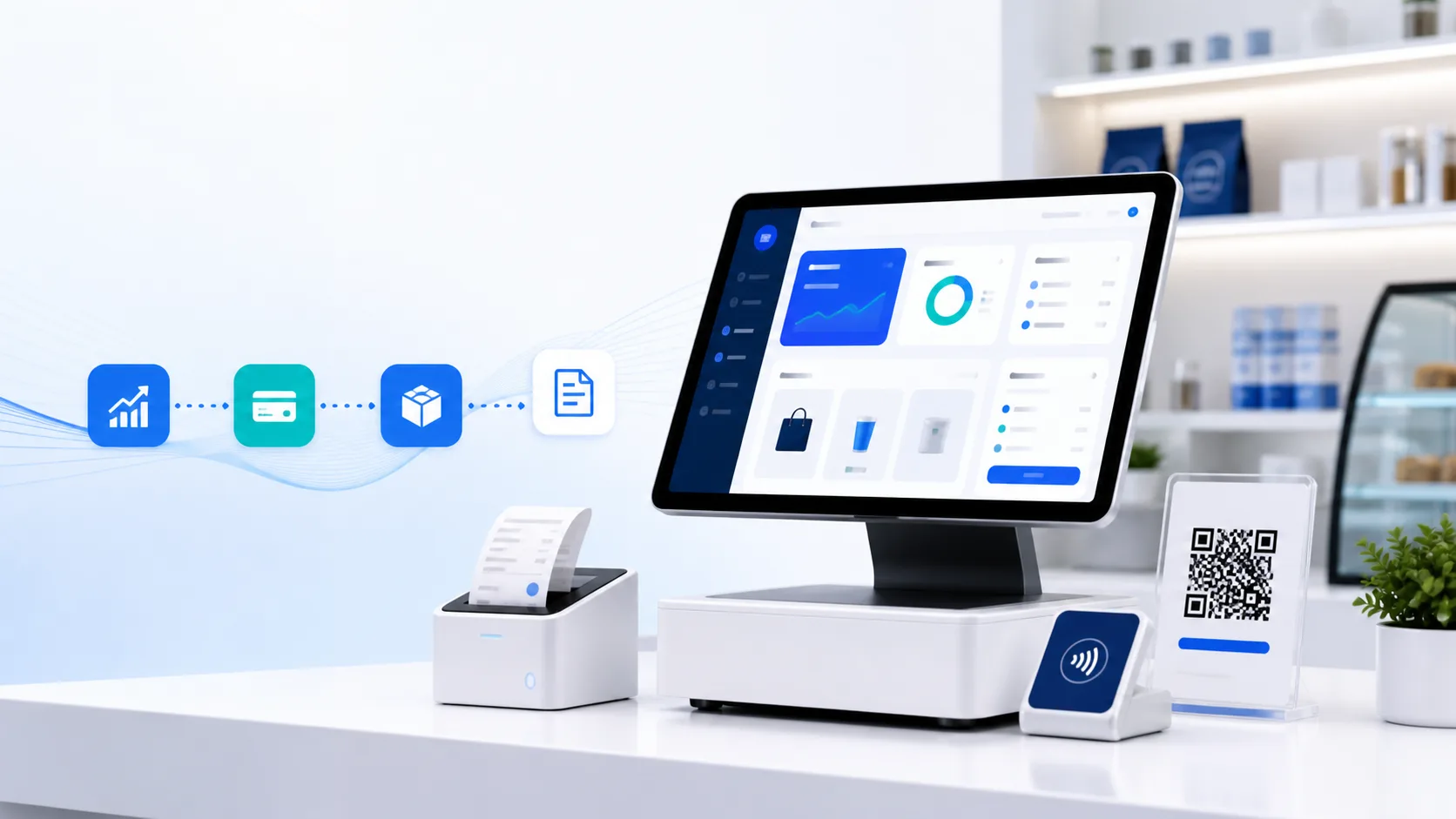
Sale → payment → inventory → e-Invoice workflow → reporting
If any step is handled by a separate spreadsheet or an unclear manual process, ask the vendor to demonstrate how that gap is managed before you commit.
The best e-Invoice POS is not necessarily the one with the longest feature list. It is the one your staff can use correctly at the counter, your manager can audit later, and your business can continue using as it grows.