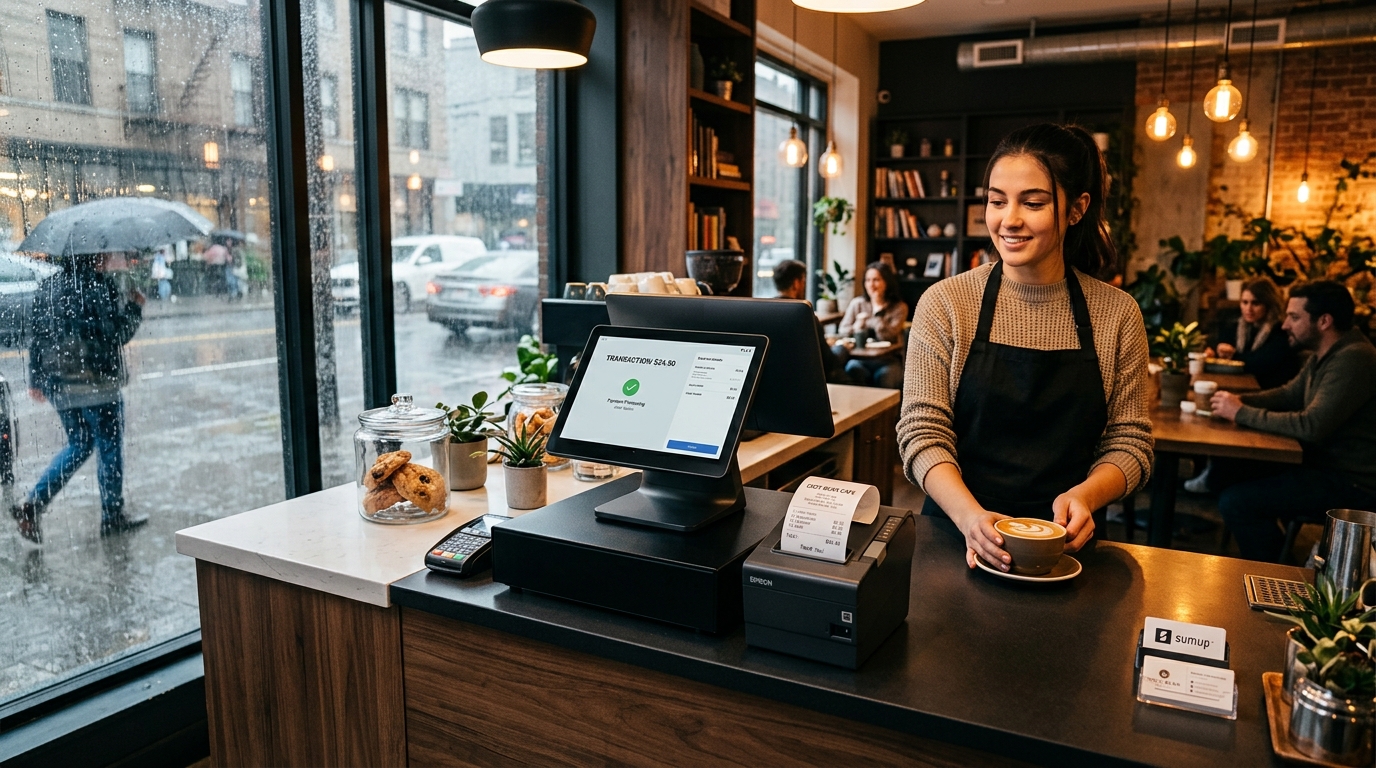
A cloud point-of-sale system gives owners access to connected reporting, inventory and online operations. But a counter cannot simply stop whenever the internet becomes unreliable. The practical answer is a cloud POS with offline support: essential sale activity happens on the device, while cloud services handle synchronization and wider business visibility when a connection is available.
> GeminiPOS is designed for offline-ready sales. Account sign-in, cloud synchronization, updates and some payment methods still require internet access.
Watch: GeminiPOS keeps selling when the Wi-Fi drops.
GeminiPOS: the offline POS that keeps selling when the Wi-Fi drops
What offline support means at the counter
An offline-ready POS keeps the cashier focused on the sale. Product lookup, cart calculation and supported local transaction records remain available on the device instead of waiting for every action to make a round trip to a server.
This is different from claiming that every connected feature works without internet. Hosted payment gateways, account verification, online orders and live cloud reporting depend on connectivity. Good POS design makes that boundary clear to staff.
What happens when the connection returns
The system synchronizes supported local records with the cloud. That allows owners and back-office teams to review sales and inventory without asking the cashier to re-enter completed transactions. Synchronization also needs conflict handling, tenant isolation and a reliable audit trail; it is more than uploading a spreadsheet at the end of the day.
Why cloud capabilities still matter
Offline support protects checkout continuity. Cloud capabilities connect inventory, reporting, online orders, accounting and staff workflows across the business. Together they create a stronger operating model than either a cloud-only checkout or an isolated cash register.
Questions to ask when evaluating a POS
- Which sale actions work after connectivity drops?
- Which payment methods still require internet?
- How are pending records shown to staff?
- What happens if the same product changes on two devices?
- Can owners review synchronization status and errors?
- Does the system preserve tenant and staff audit information?
See the workflow
Add a real GeminiPOS device walkthrough here before publishing. The video should demonstrate a connected sale, an internet interruption, a supported offline-ready sale and the later synchronization state. Include the same explanation in text so the article remains useful and searchable without playing the video.
Explore GeminiPOS offline POS capabilities, inventory management and current plans.